

Changelog
What's new in SeedreamX
New models, tools and improvements, newest first. Each update says what changed and where to try it.
November 2026
A new page opens the generator on Seedream 5.0 Pro and shows four text-heavy jobs we ran on it, with what came out right and what went wrong.
The Seedream 5.0 Pro page opens the generator on Pro. It shows four everyday jobs we ran once on November 16 (a five-step infographic, a poster in three languages, a café menu with prices and a product photo made from two reference images), each with what to fix before you reuse the prompt, plus a short comparison of Pro, Lite and 5.5.
- Make text-heavy images: infographics, posters, menus and labels.
- Upload up to 10 reference images and describe the change.
- Choose 1K or 2K in 15 shapes.
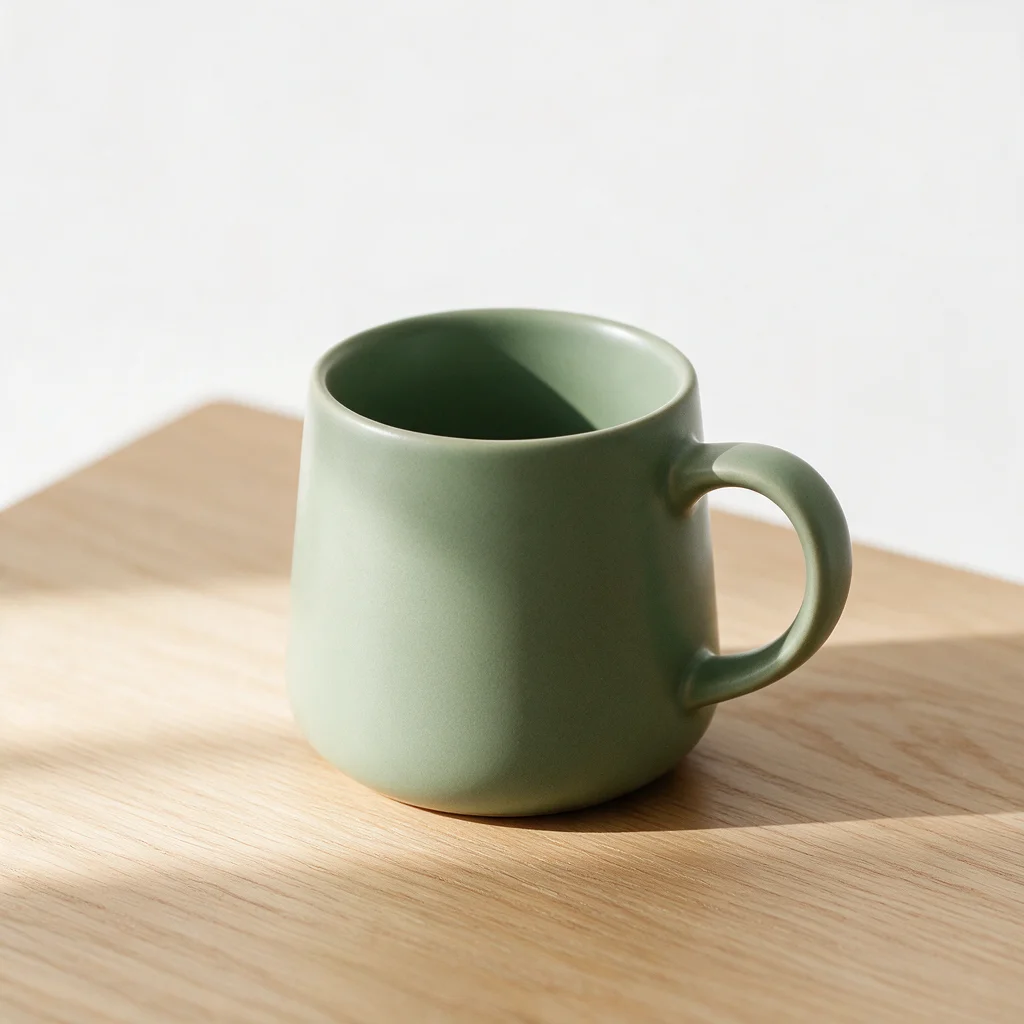
Studio product photo of a matte ceramic coffee mug in sage green on a light oak table, soft window light from the left, plain white background, no logos.
ByteDance's newest Seedream model is now in the image generator, with more natural photos, cleaner small text and transparent backgrounds.
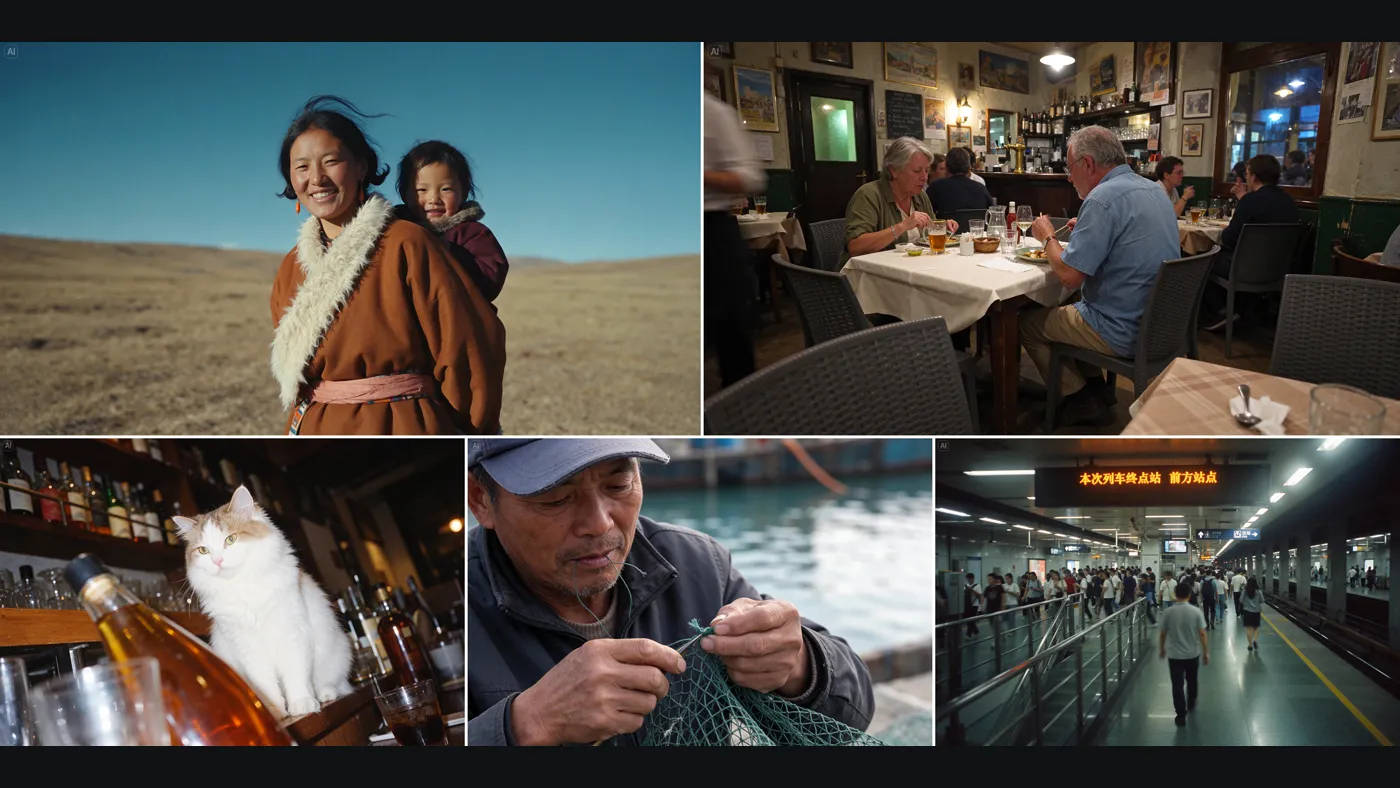
Seedream 5.5, the image model ByteDance released on November 9, is now in the SeedreamX image generator. The Seedream 5.5 page opens on it, and everywhere else on the site you can pick it from the model list. Seedream 5 Pro, Lite and Flash stay where they were.
What you can do with it
- Make a picture from a prompt at 1K, 1.5K or 2K, in 15 shapes from tall 9:21 to wide 21:9.
- Upload up to 10 photos and say what to change. ByteDance built it for long edit sessions, where the parts you don't mention stay as they were, so you can keep working on the same picture round after round.
- Set the background to transparent and get a PNG cut-out of a logo, sticker or product, with no background left to remove.
- Put headlines and small print on posters, labels and packaging. ByteDance says small Chinese and English text comes out more accurately than in Seedream 5.0 Pro.
In our first test, a perfume bottle with a one-word label came back as a transparent PNG in about 40 seconds. A follow-up edit changed the label and the color of the glass and left the rest of the shot alone.
The Seedream 5.5 page explains what changed, shows ByteDance's own test numbers and has example prompts for long edits and transparent images.
- Make a picture from a prompt at 1K, 1.5K or 2K, in 15 shapes.
- Edit up to 10 uploaded photos round after round; what you don't mention stays as it was.
- Get a transparent PNG of a logo, sticker or product.
A round badge logo for a coffee shop called "Northbound Roasters": a simple mountain line over a coffee cup, deep green and cream, flat vector style, the name in clean capitals around the edge and "EST. 2026" small at the bottom. Soft wisps of steam rise from the cup and drift up past the top of the badge, semi-transparent so whatever is behind the logo shows through them. Transparent background, PNG with alpha channel, no backdrop, no shadow, no frame.
The site opened with ByteDance's Seedream 5 models in two tools: text to image and image to image.
The site opened with two tools, text to image and image to image, both running ByteDance's Seedream 5 models. Pick Pro, Lite or Flash from the model list; one model both makes new pictures and edits the photos you upload.
- Write a prompt and get a picture from Seedream 5 Pro, Lite or Flash.
- Upload a photo and say what to change: the background, a detail or the whole style.
- See what an image costs before you run it.
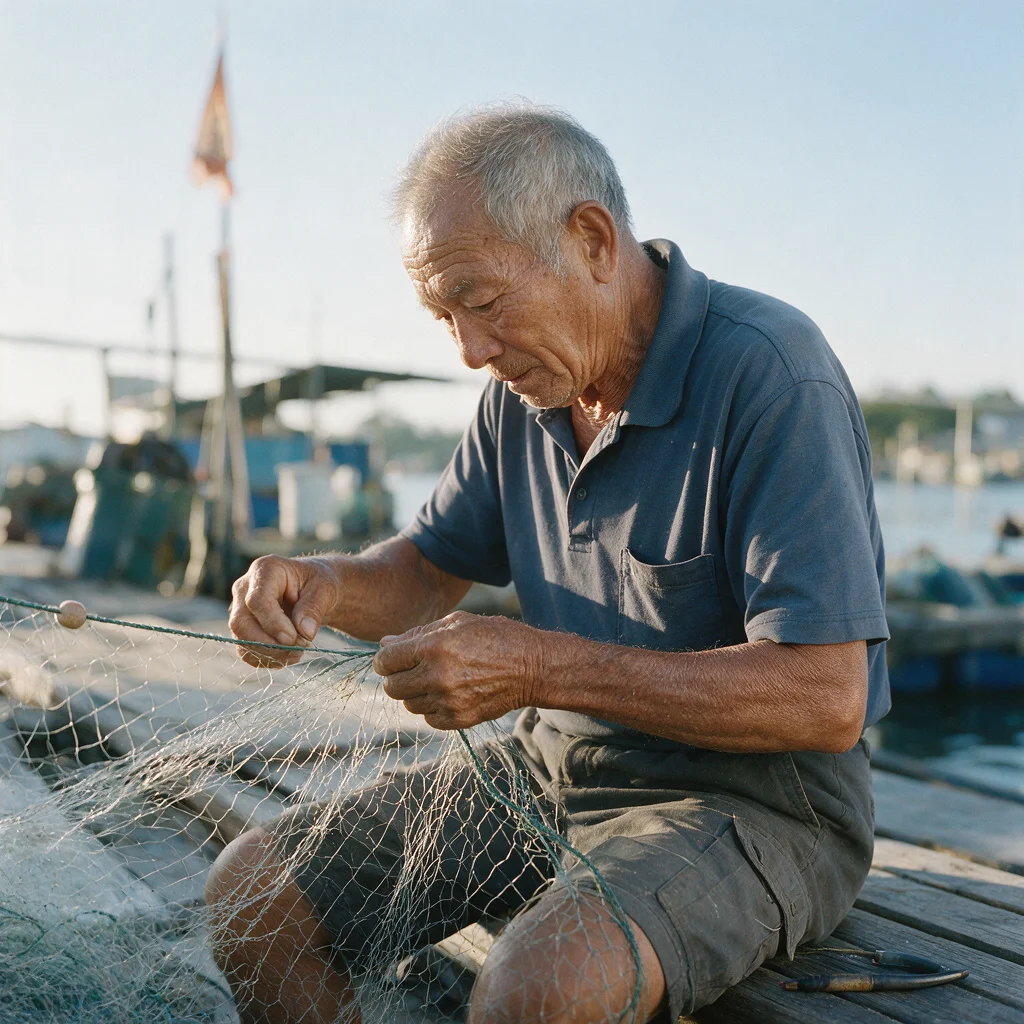
A candid photo of an elderly fisherman mending a net on a wooden dock, early morning light, shallow depth of field, shot on a 50mm lens.